There are 19 Adjustment Layers in photoshop, I will split them into 4 groups, Basic, Lighting, Color, and Miscellaneous. I will not cover each one in detail, but I will cover the ones I find helpful.
Basic
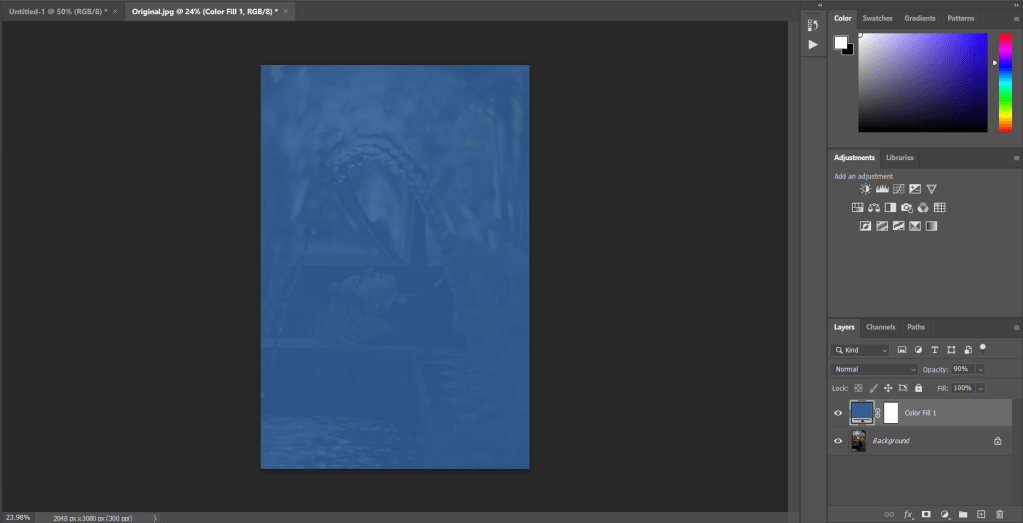
Color Fill, This one is pretty straight forward, it will fill with only one color, this can come in pretty handy when used with different blend modes.
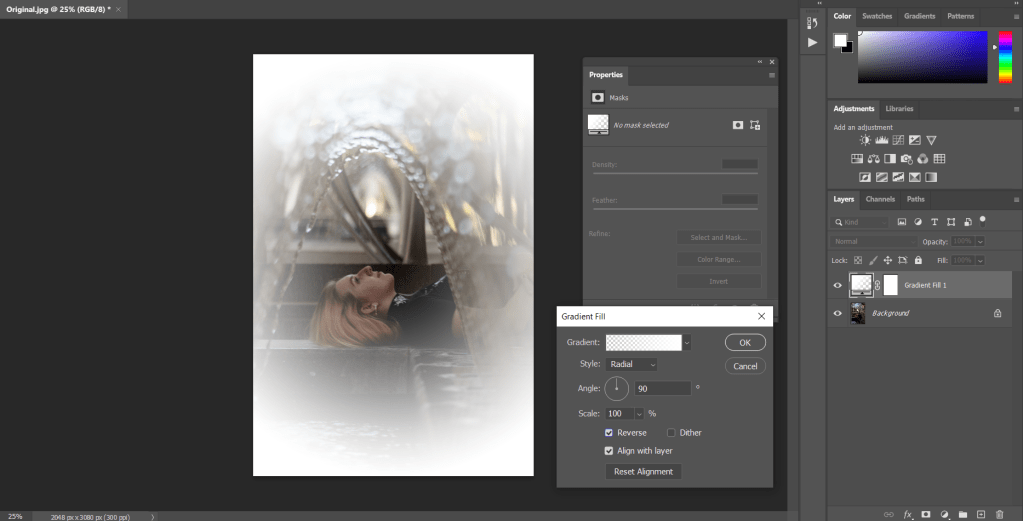
Gradient, Gradient will do the same thing but with 2 or more colors that transition into one another.
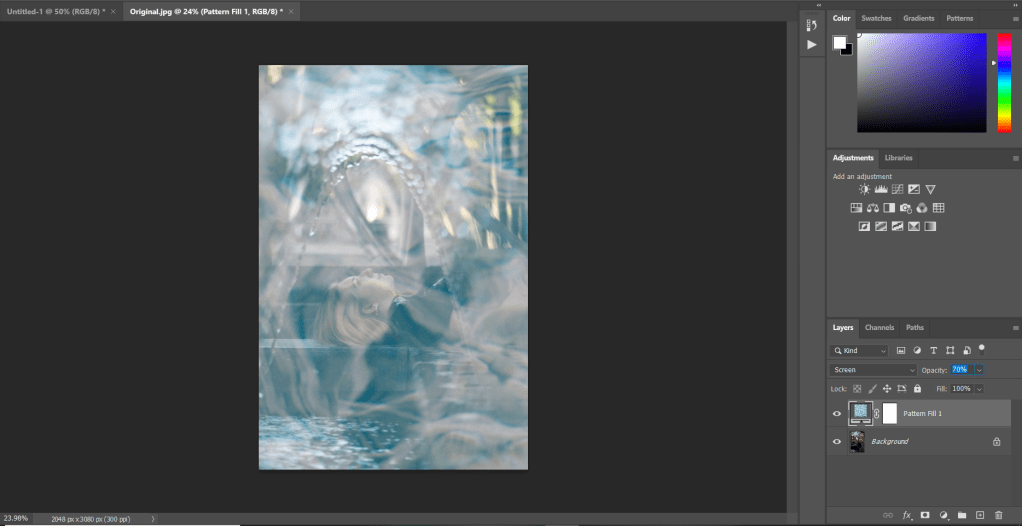
Pattern, this will put a pattern over your image that you can use to add directly to an image or to change the texture of an image. You can also find custom patterns online.
Lighting
Brightness/Contrast, this is pretty self explanatory, you can change the brightness and the contrast with this layer
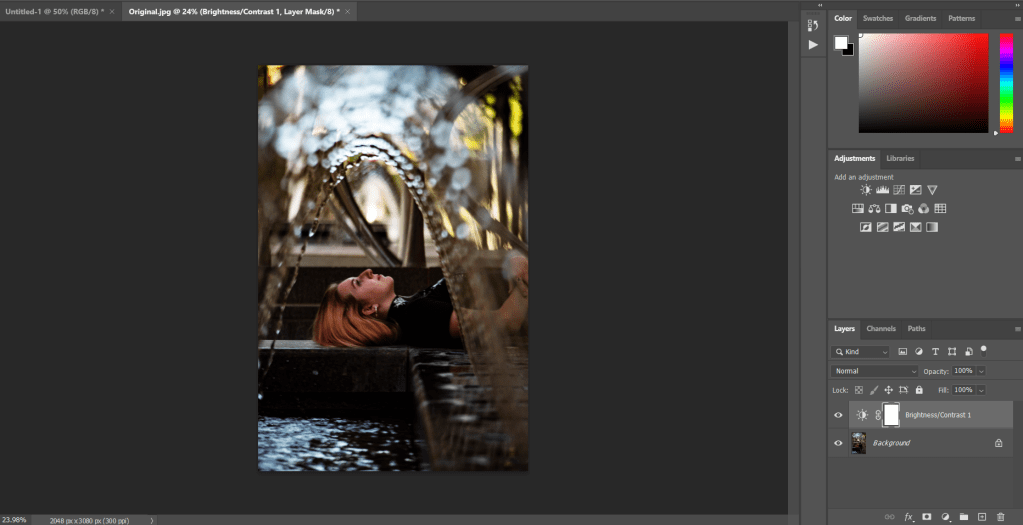
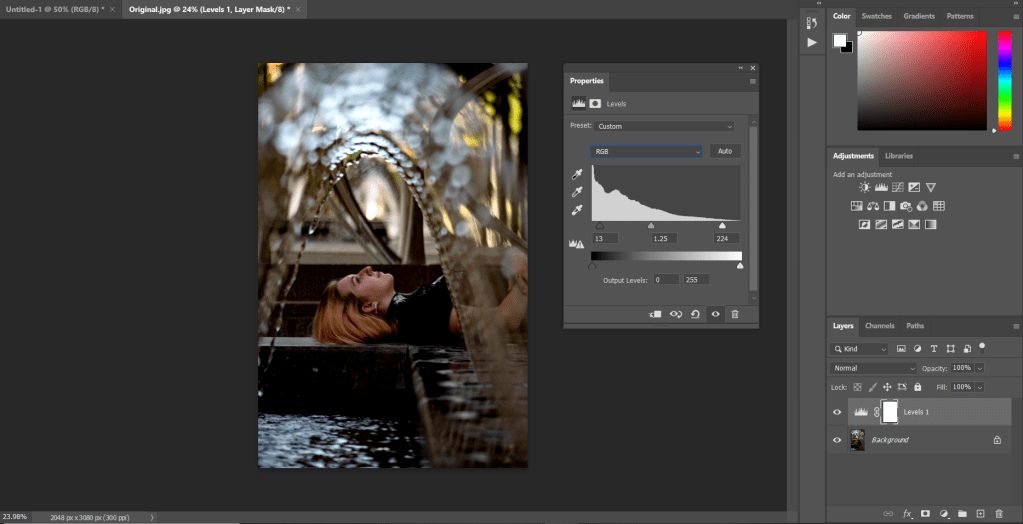
Levels, this layer allows you to adjust, highlights, mid tones, and shadows, and you can change the colors.
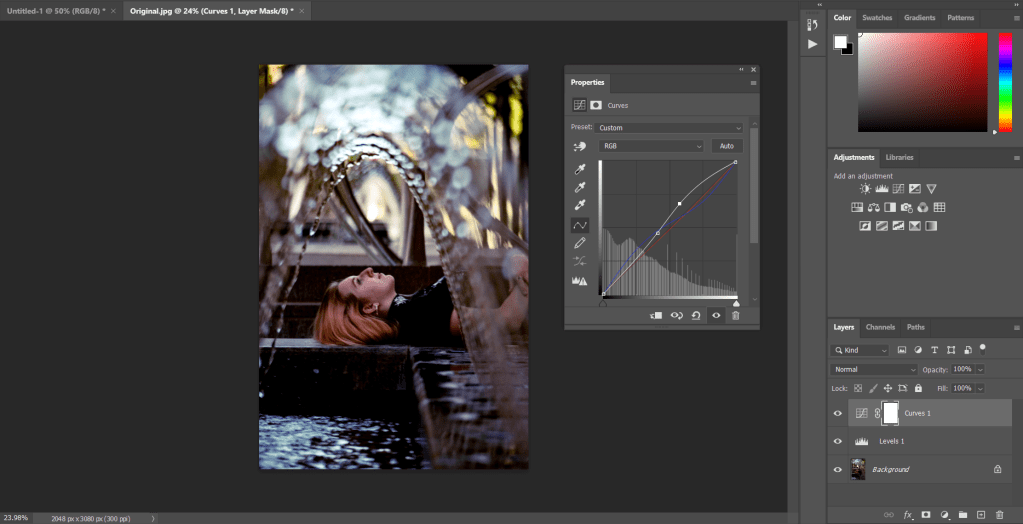
Curves, this is one of the most useful adjustment layers in photoshop and the one I use most often, it is similar to levels, but it’s more intuitive, you can change the highlights, mid tones, shadows, contrast (with an s curve) and you can change colors.
Other layers in this group include Exposure
Color
Hue/Saturation, this layer will allow you to change the properties of all colors, or any specific color.
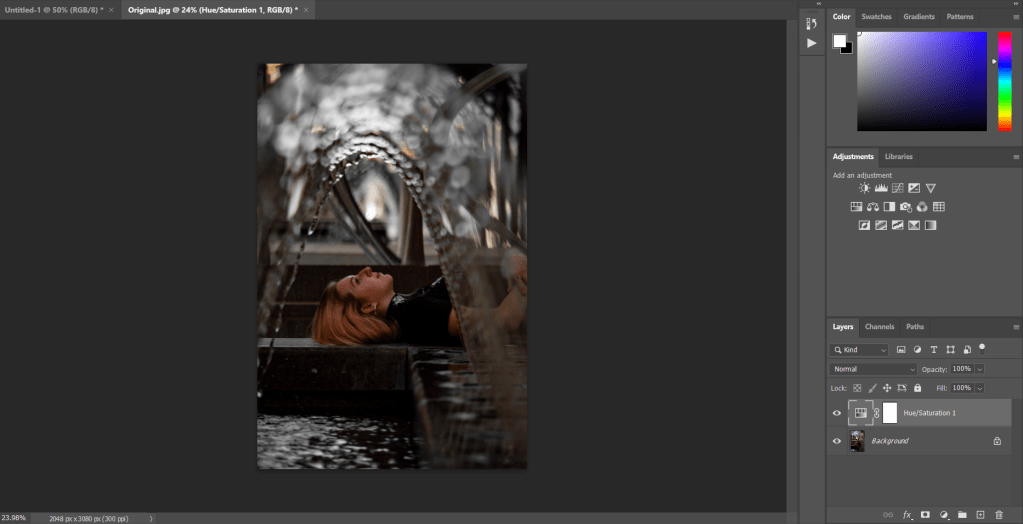
Color Balance, This allows you to change the color of the highlights, mid tones, and shadows.
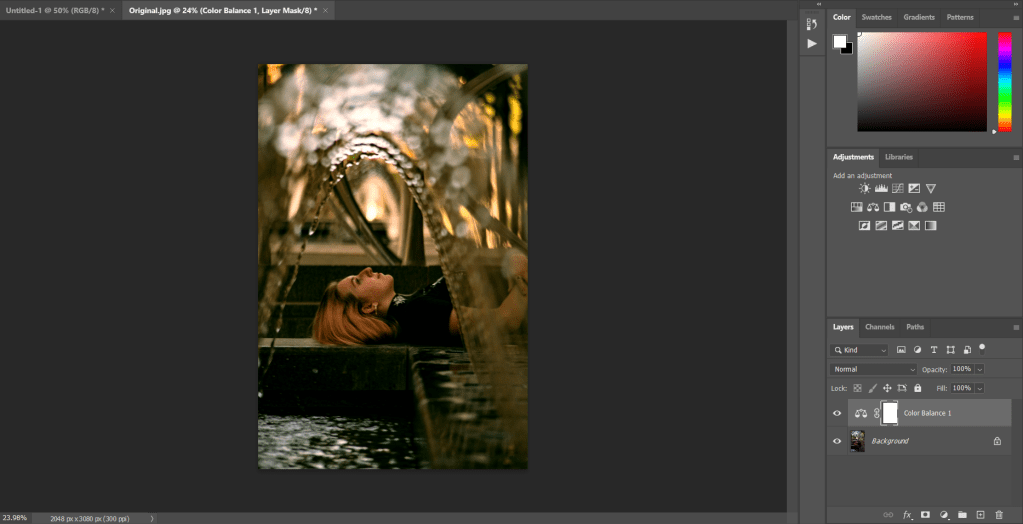
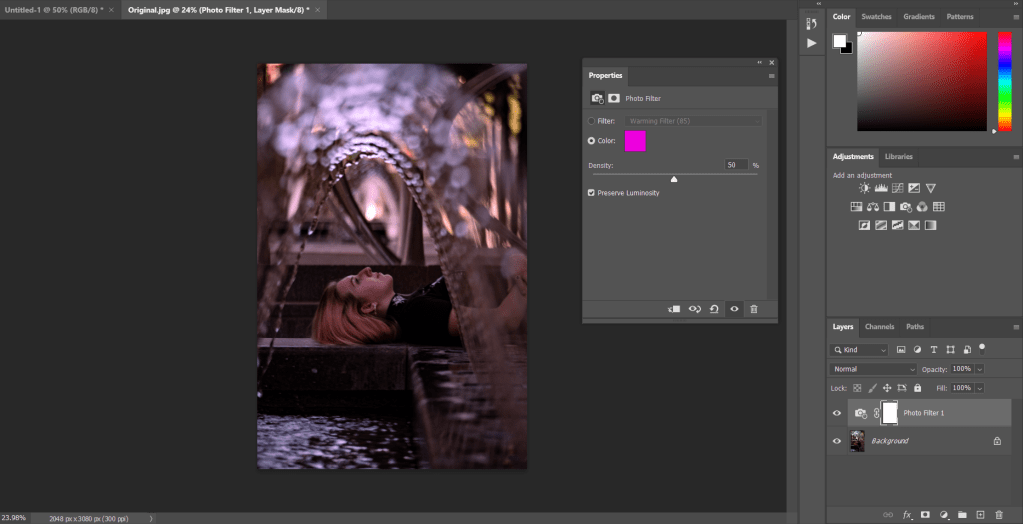
Photo filter, this can be used to make subtle changes to a photo by adding a filter overtop the photo.
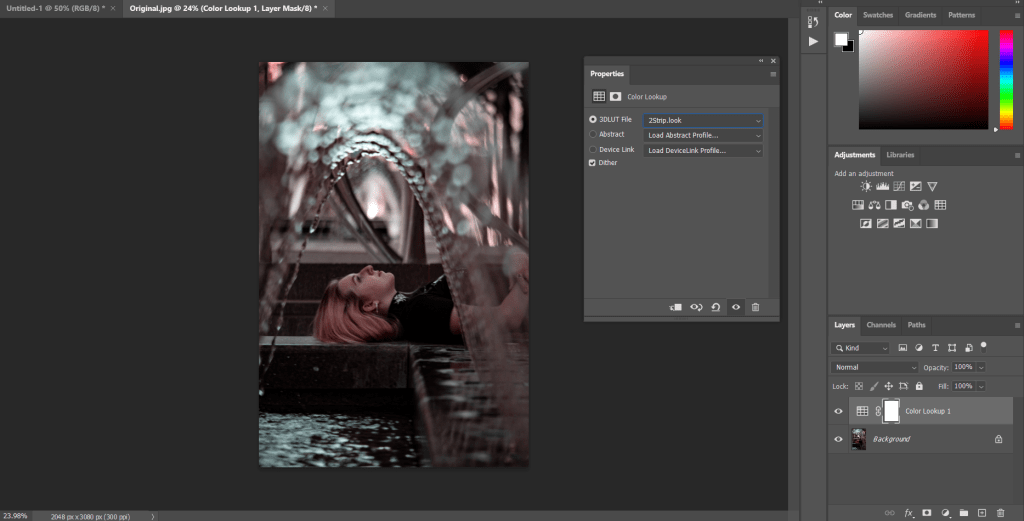
Color Lookup, this will apply a color profile or filter to your photo. You can also find and download other color profiles online.
Other Layers in this group include: Vibrance, Black/White, Channel Mixer,
Miscellaneous
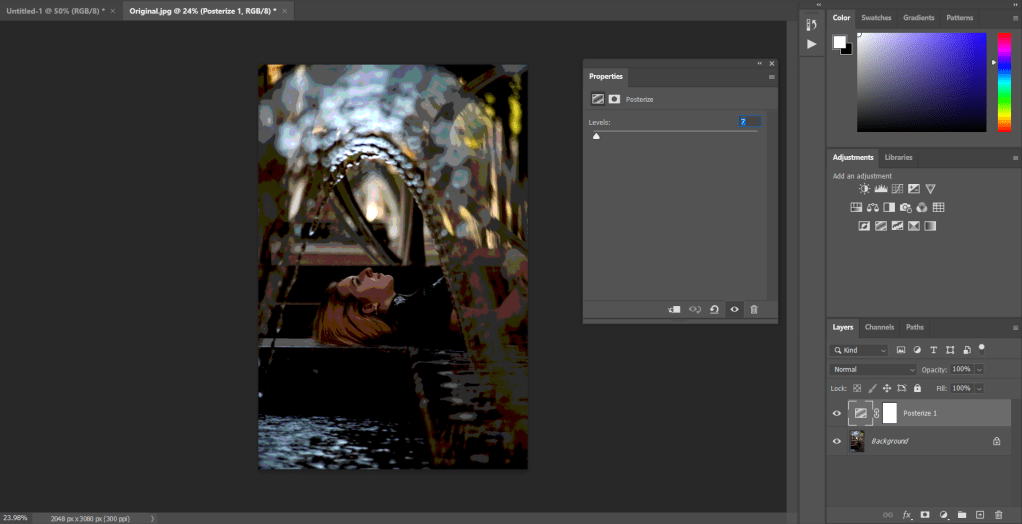
Posterize, this layer will take the 3 RGB color profiles and split them into levels, so when set to two levels, there are two Reds, two Greens, and two Blues, meaning there are only 6 total colors in the image.
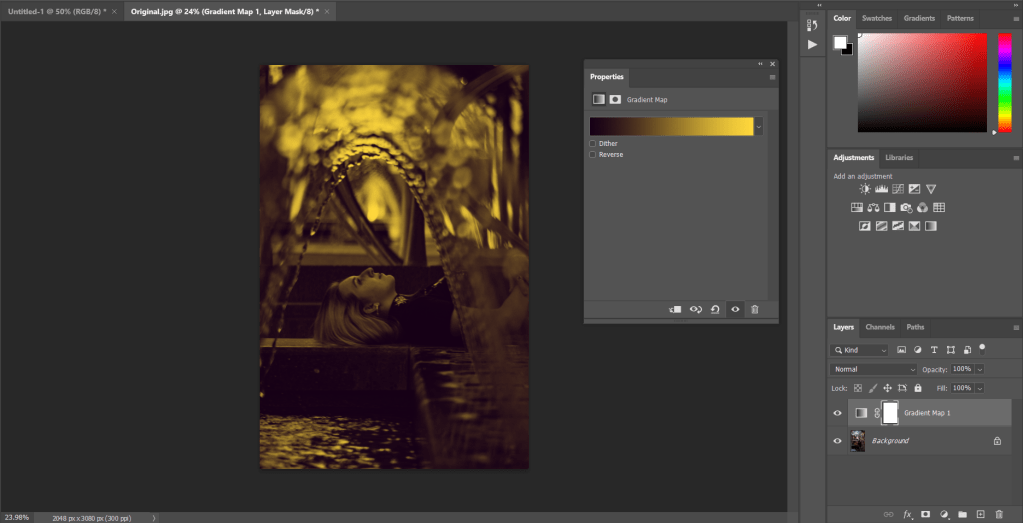
Gradient Map, this allows you to change the whites and the blacks of the image
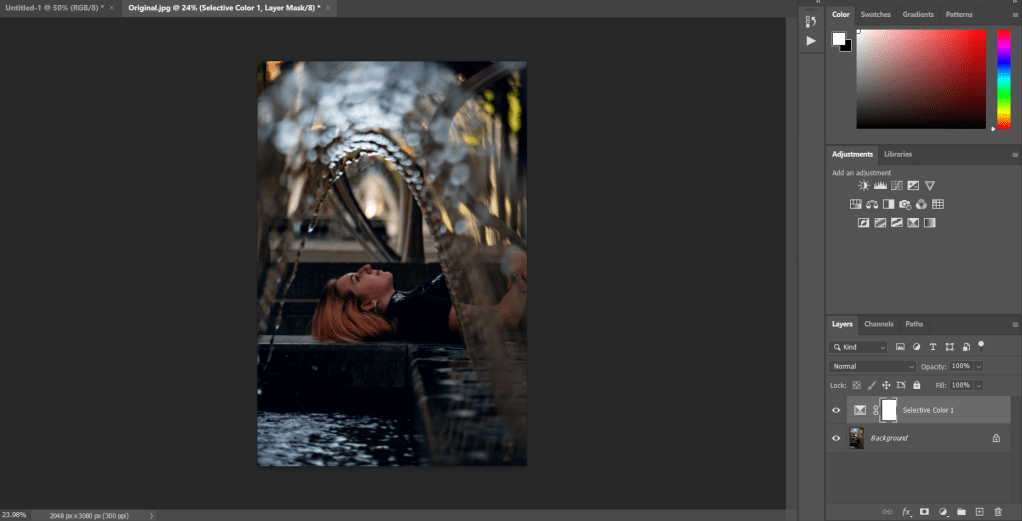
Selective Color, This is essentially a more complex hue/saturation layer.
Other layers in this group include: Invert, Threshold
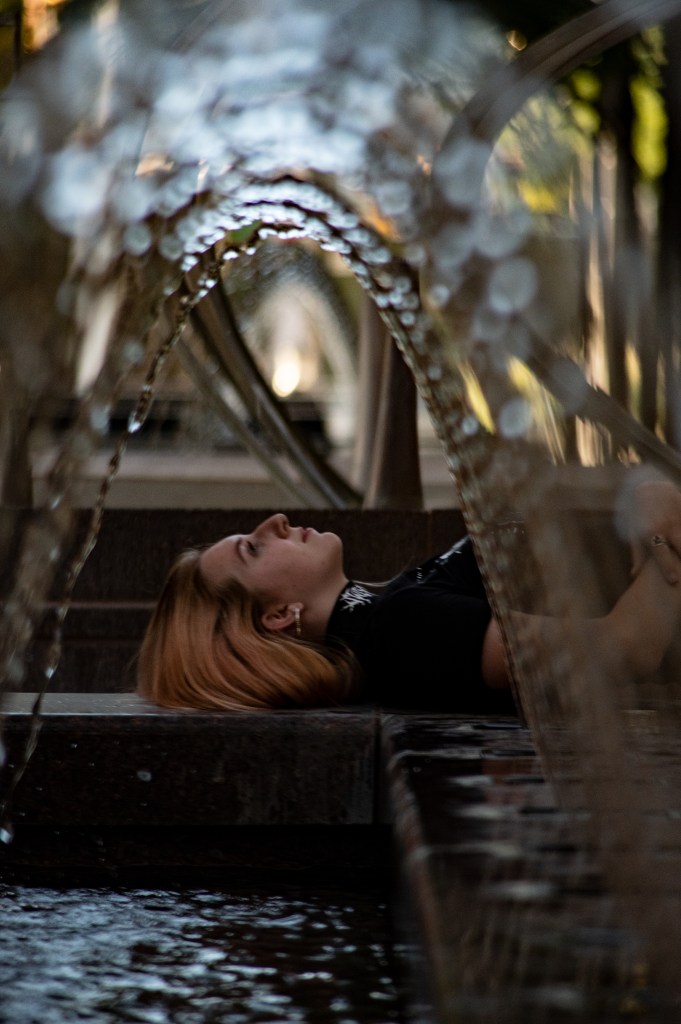
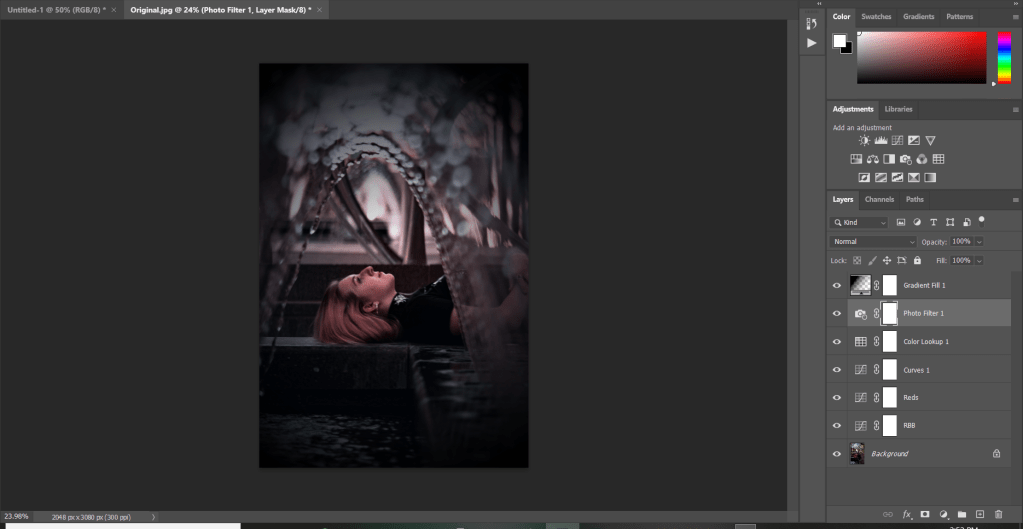
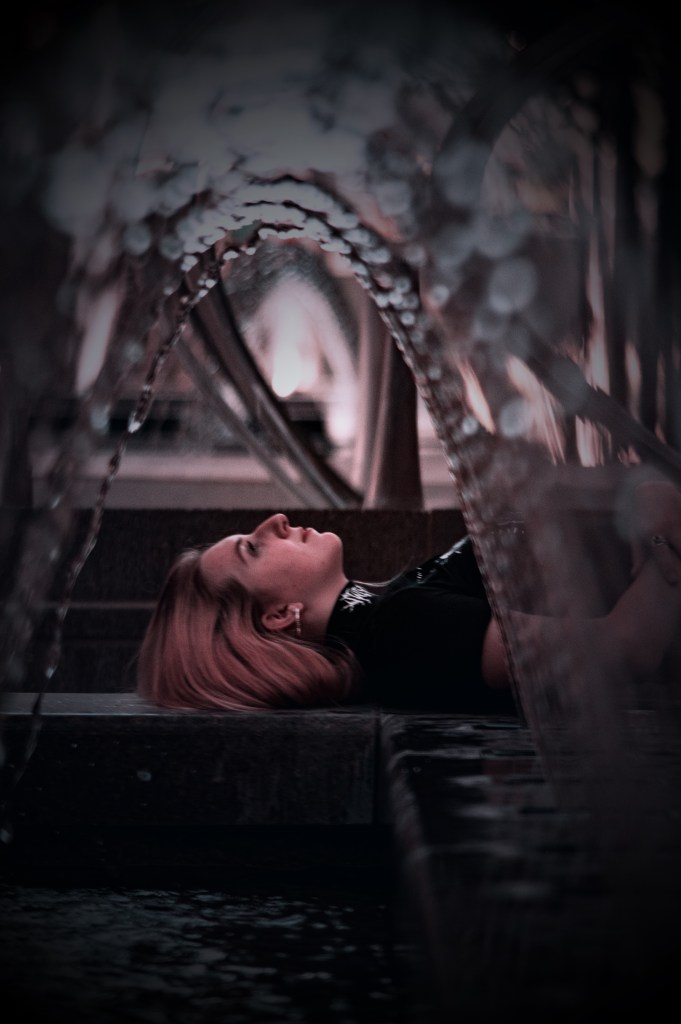
Finally I will show you an example of these layers being used together by editing this photo with only adjustment layers.
 Matt Chamberlain - Utah Photographer